Managing your profile
Your profile contains information about you.
Click on your user name in the top right of the screen. A popup list will show. Click on Profile to enter the Profile settings page.
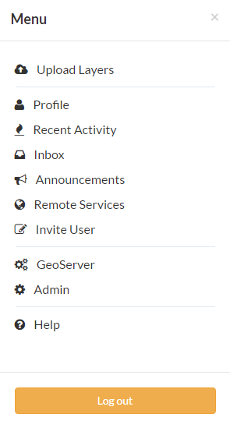
Link to your profile
The next page shows your profile, which is mostly empty.
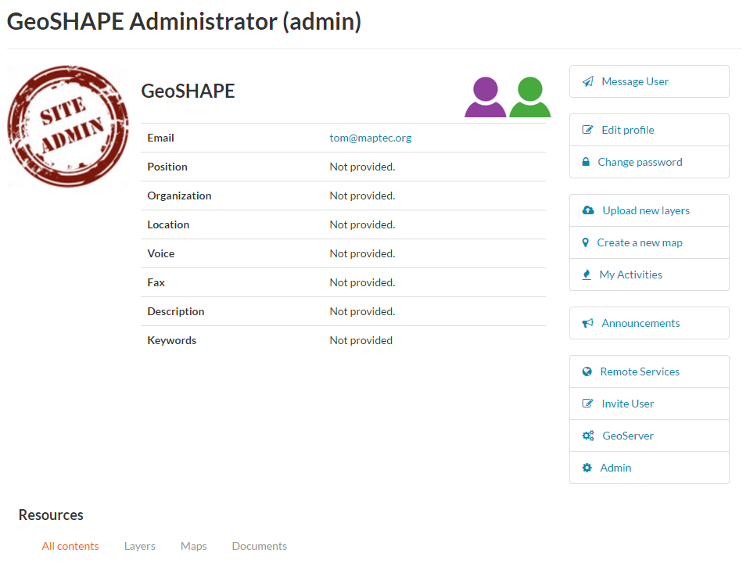
Profile page
Click the Edit profile link.
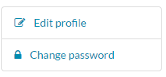
Link to edit your profile
On this page, you can update your information, including your avatar. Enter some details in the Profile box as well as your city and country info.
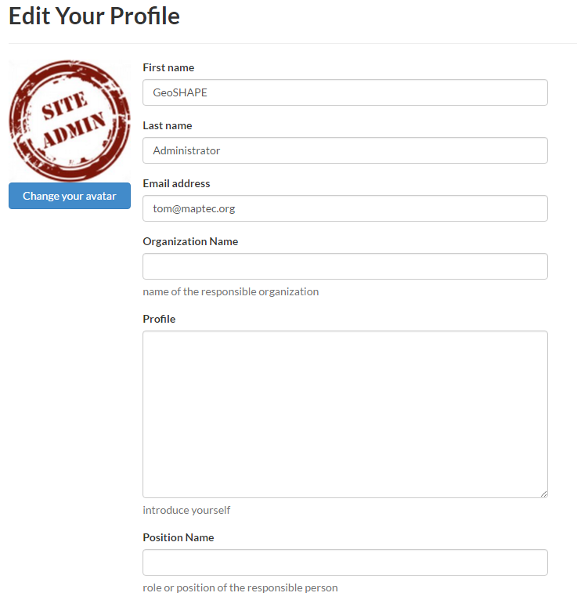
Editing your profile
When finished, click Update profile.
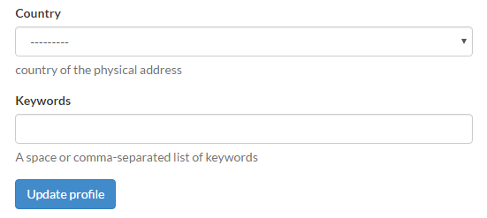
Link to save your profile updates
To return to the home page at any time just click on TE UREWERA in the top menu.
Link to home page