Downloading Data from a Layer
On the Layer page there are buttons titled Download Layer and Download Metadata. These buttons provide access to the ability to extract geospatial data and metadata from within Geoshape. In this way, Geoshape allows for two way data and metadata access; one can import as well as export data.
Data
Click the Download Layer button. You will see a list of options of the supported export formats.
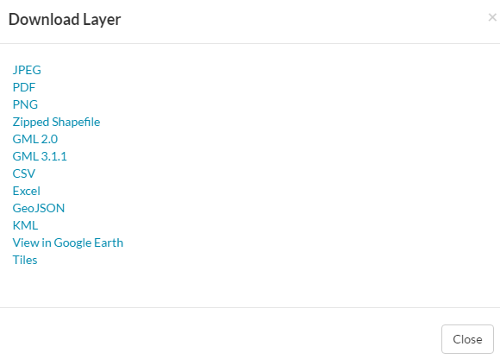
Available export formats
Click the option for the desired format.
Geoshape will process the request and depending on your browser configuration will open the file in your browser or download to your computer.
Metadata
Click the Download Metadata button. You will see a list of options of the supported export formats.
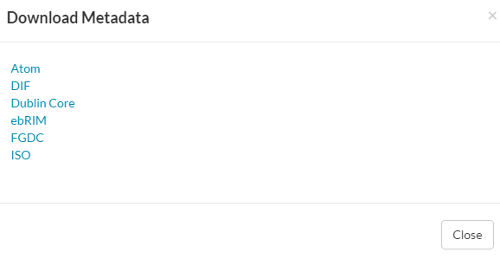
Available metadata export formats
Click the option for the desired metadata format.
Geoshape will process the request and display XML metadata in your browser which you can save to your computer.