Layer information
- Every layer has its own page with information about it. This page contains lots of options for managing this layer. The page displays information about the layer such as
- Info
- Attributes
- Ratings
- Comments
- Legend
- Maps using this layer
- Permissions
- Styles (associated with the layer)
- Owner, point of contact, and author information
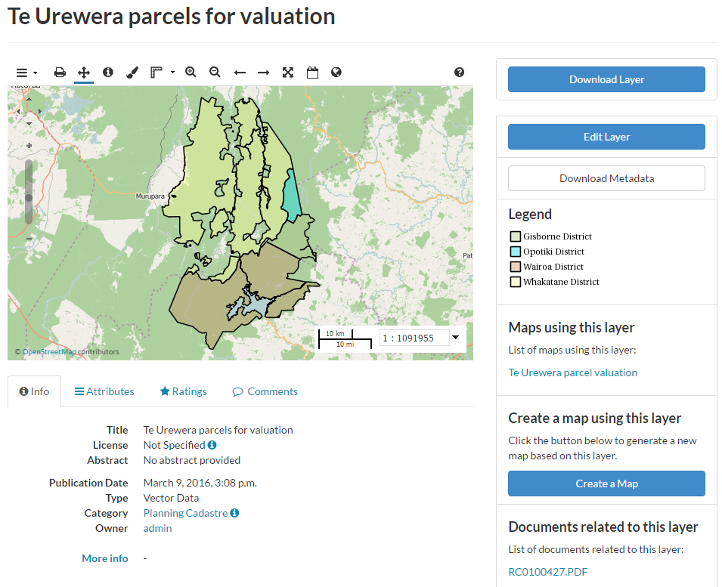
Layer Detail Tabs
There are up to five tabs that describe a layer: Info, Attributes, Ratings, Comments and Geogig.
The Info tab is the default tab, and presents basic information about the layer. It also shows the overall average rating, and allows you to rate the layer.
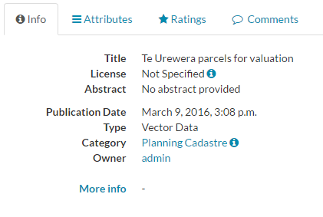
Layer Info tab
The Attributes tab lists the attributes of the layer, including statistics (range, average, median and standard deviation). Layer attribute statistics are made available only for numeric attributes. If a layer’s attributes are not numeric, then no statistics will be calculated.
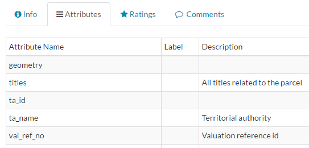
Attributes tab
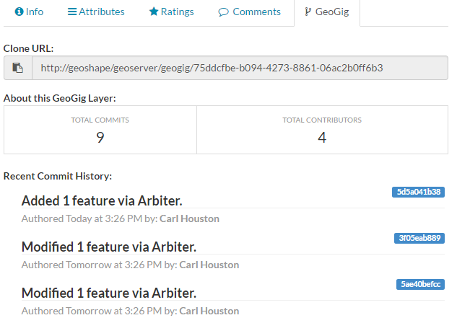
The Geogig tab is available when the layer is a Geogig layer and it shows the history of activity on that layer.
The Comments tab allows you to leave a comment for others viewing this layer.
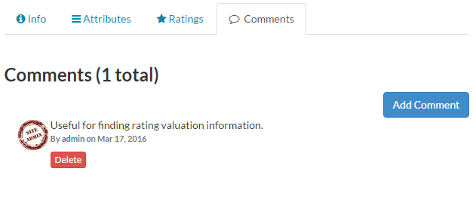
Layer Comments tab
The Add Comment button allows you to enter a comment about the layer.
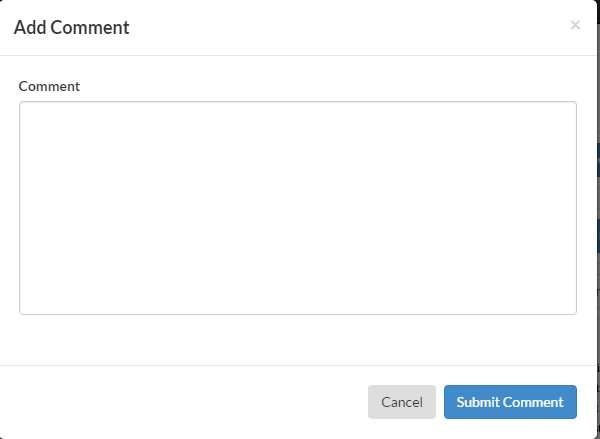
Adding a new comment